

Estate clarity
Mark who each piece is meant for and keep its story with it. When it’s time to plan or update your estate, the list is already there and already current.
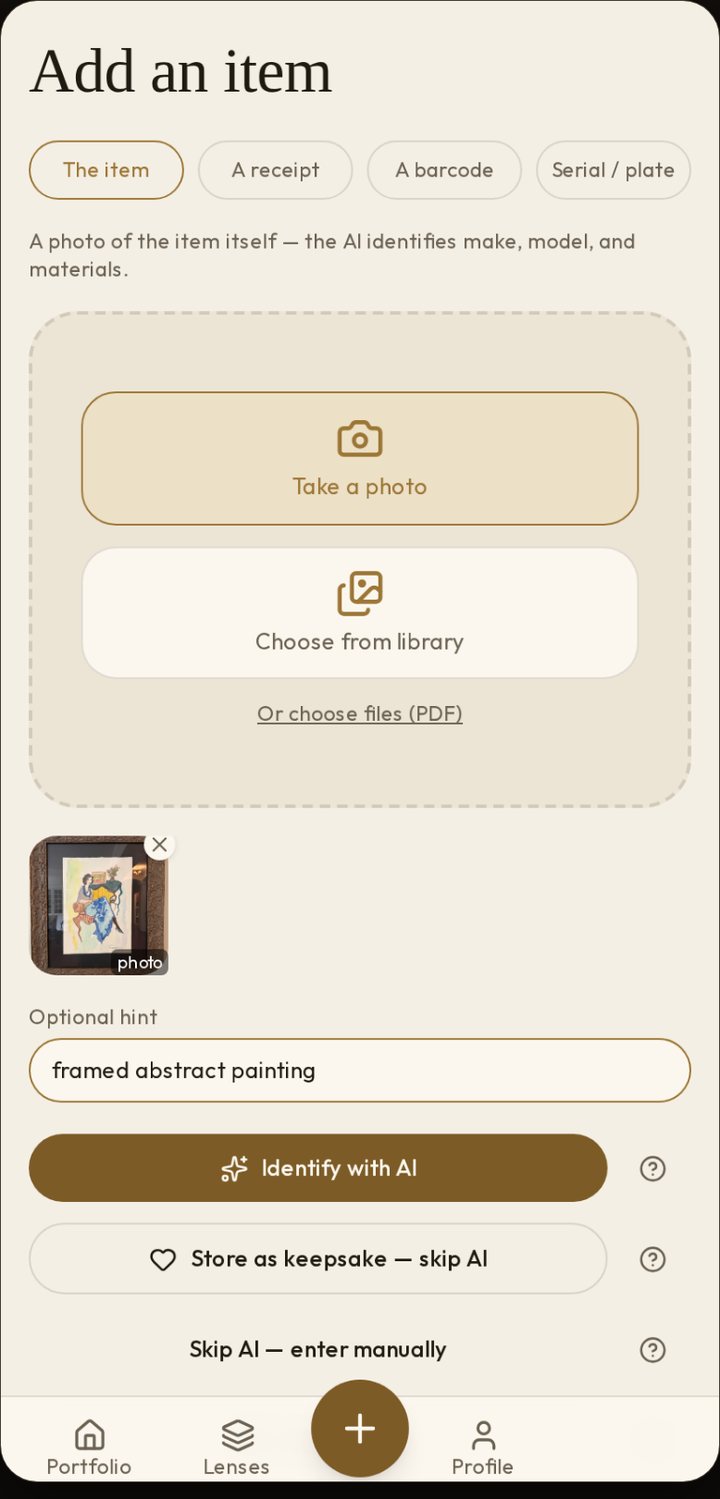
Take a picture, or pick one you already have.
Trovfolio suggests what the item is. You check it or fix it.
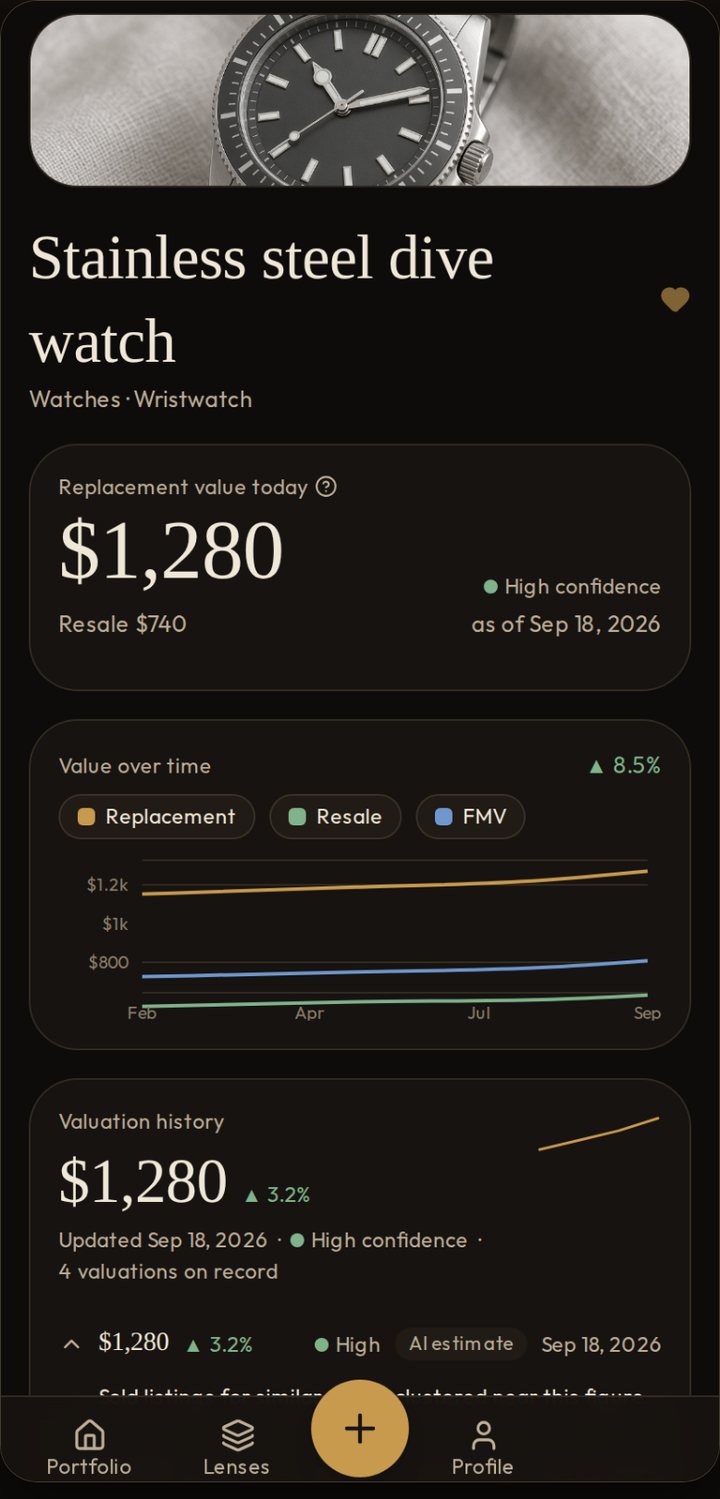
We look for recent sold prices, not asking prices, and show you the sources.
Keep it, or add your own evidence, like a receipt or an appraisal you hold.
Attach key documents, the story behind the piece, and who it’s meant for.
Estimates refresh on a schedule, and Trovfolio shows you what moved.
Download a list for your estate plan, your insurer or a loan application. Share a link, and turn it off anytime.
Jewelry, art and bags are a great place to start. The same steps work for everything else you own.
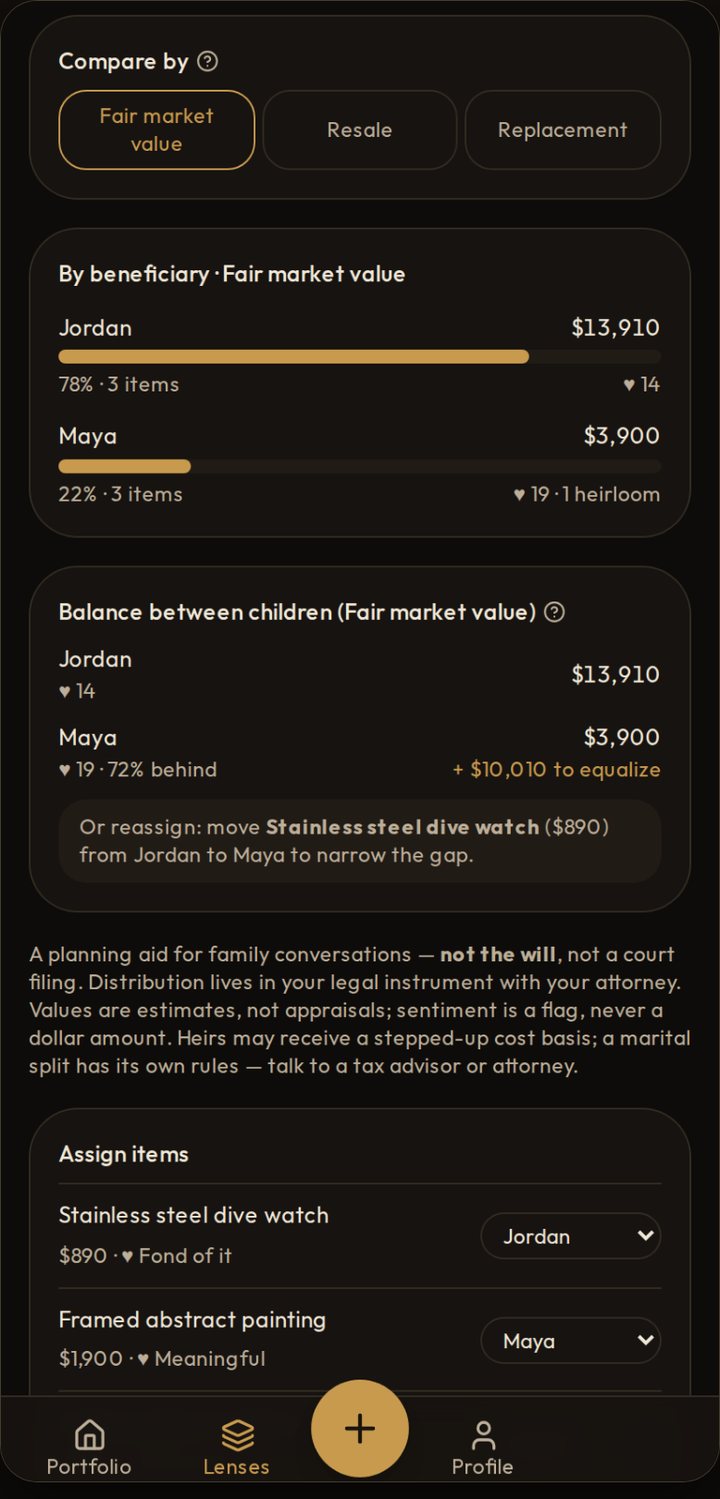
Mark who each piece is meant for and keep its story with it. When it’s time to plan or update your estate, the list is already there and already current.
See what your things might be worth, and how that changes. Estimates come from what similar pieces actually sold for. When sales are thin, we tell you.
How we estimate →Many lenders ask for a personal financial statement. On Pro and up, Trovfolio turns your list into a personal property schedule, sorted by estimated value and ready to save as a PDF or CSV. The values are your own estimates, not an appraisal.
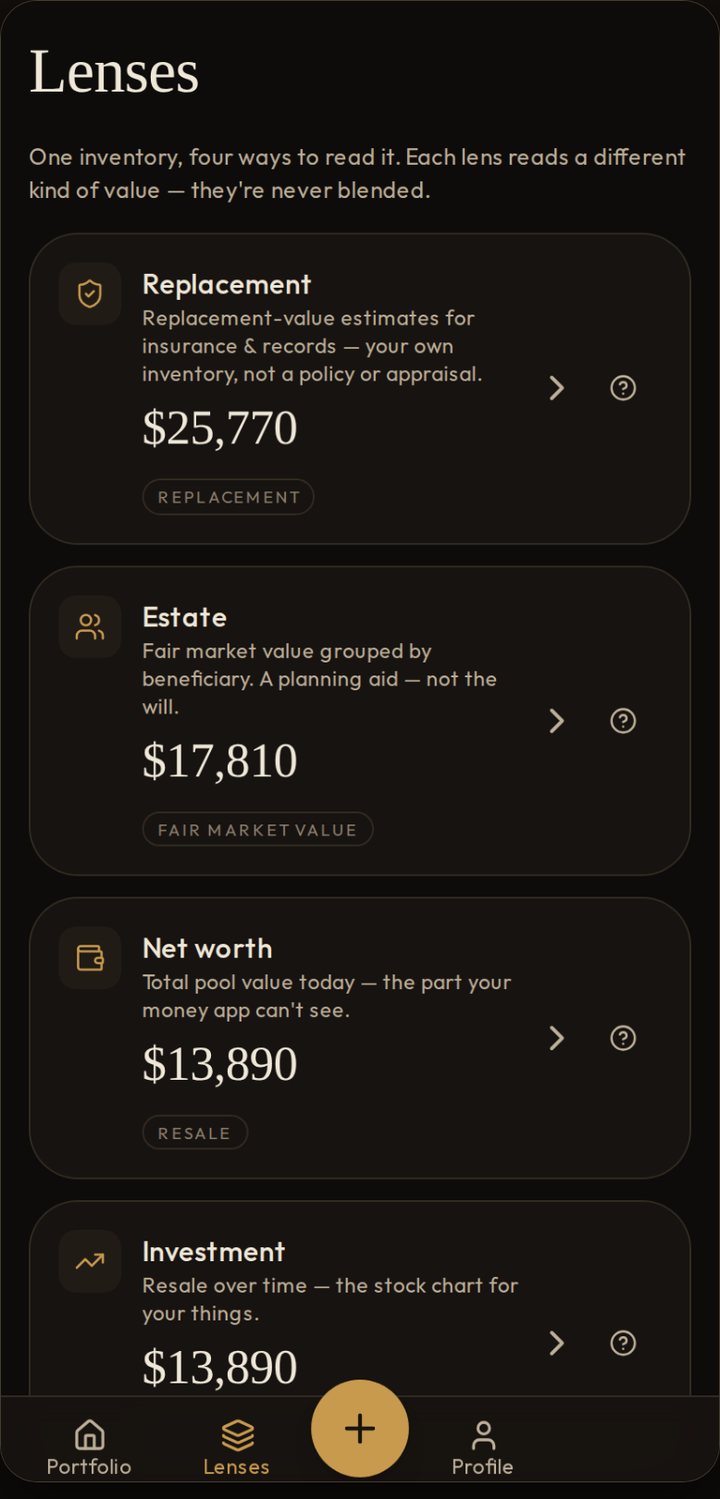
Look at the same list four ways: replacement, estate, what it all adds up to, and resale over time. We keep each number separate and never blend them into one figure.